First steps
How it works
01
Sign in with your email address.
02
Add a child and basic settings.
03
Invite a nanny or second parent.
04
Keep a shared daily log.
See how to keep a care log step by step: working hours, feeding, naps, meals, notes and settlements.
First steps
Sign in with your email address.
Add a child and basic settings.
Invite a nanny or second parent.
Keep a shared daily log.
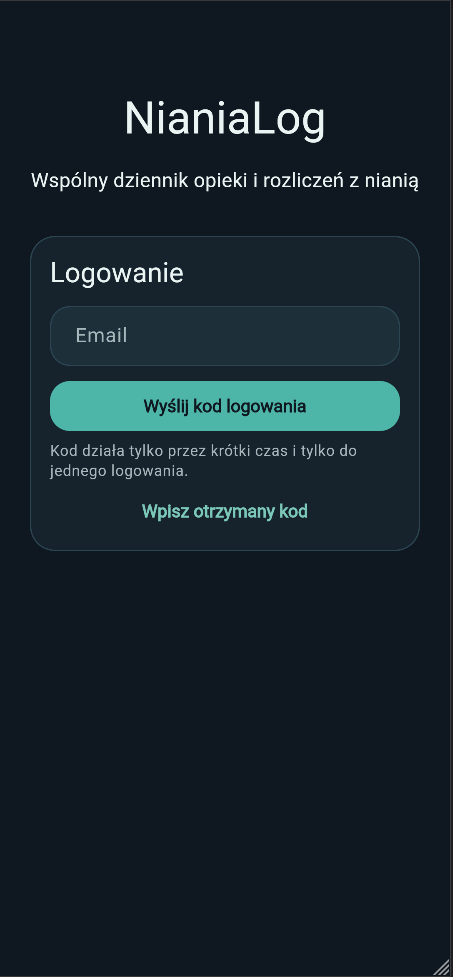
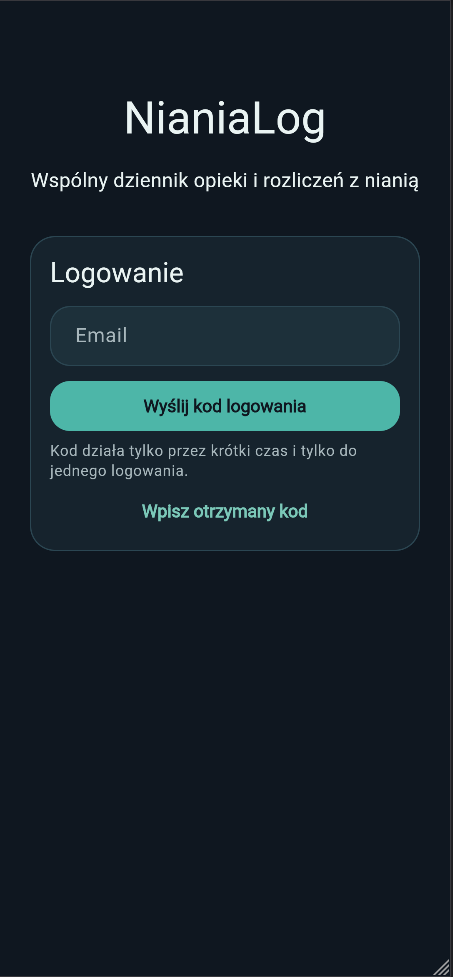
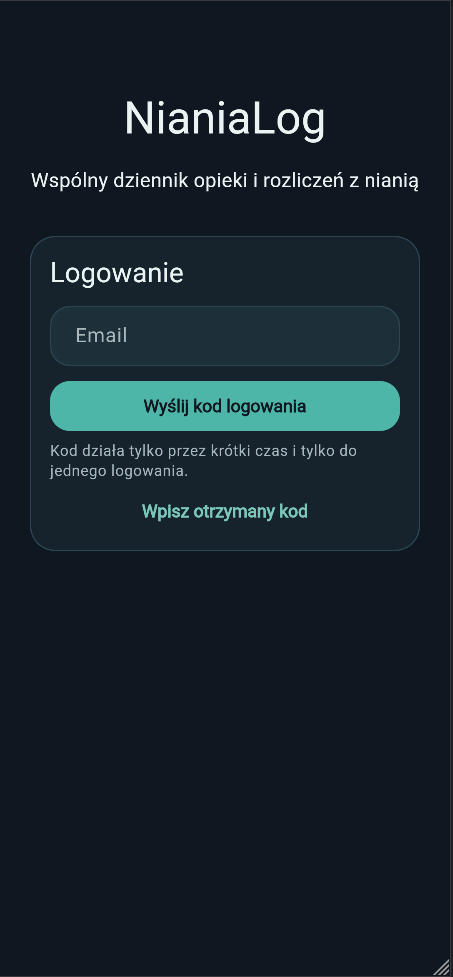
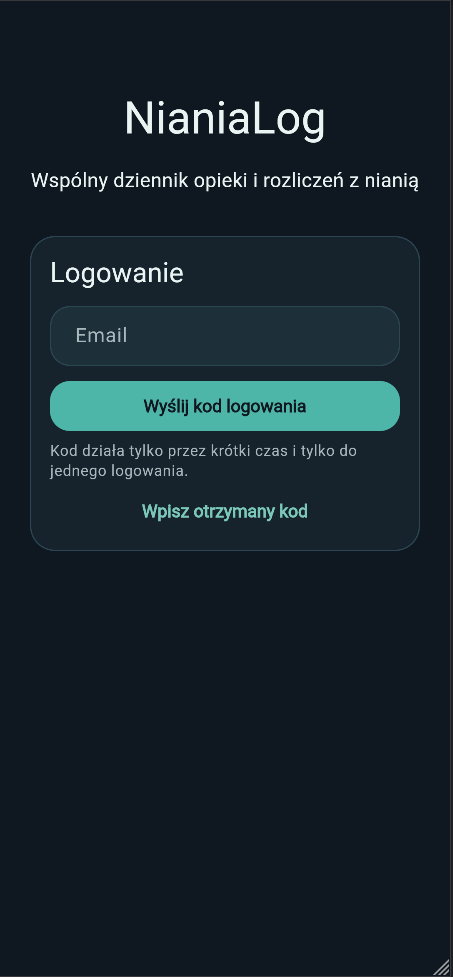
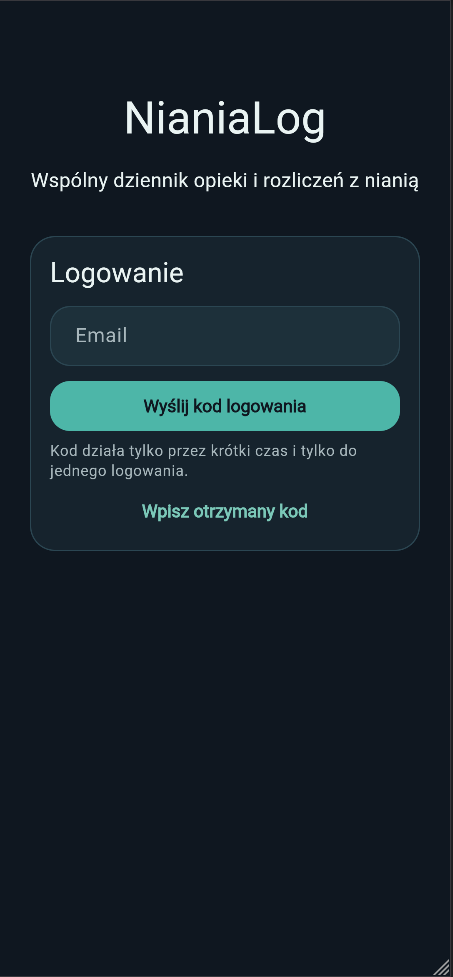
NianiaLog uses email sign-in. Enter your address, receive a code and open the app.
App screenshot placeholder
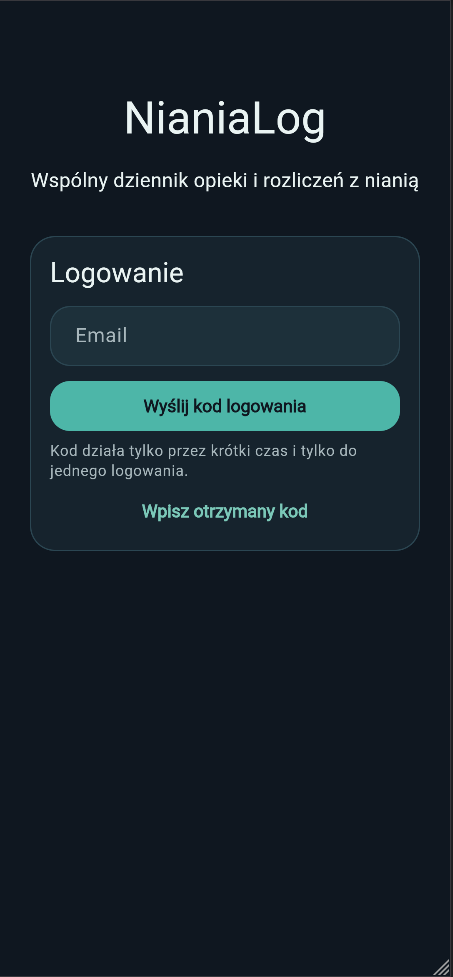
The parent adds a child and basic settings that help adjust the daily view.
App screenshot placeholder
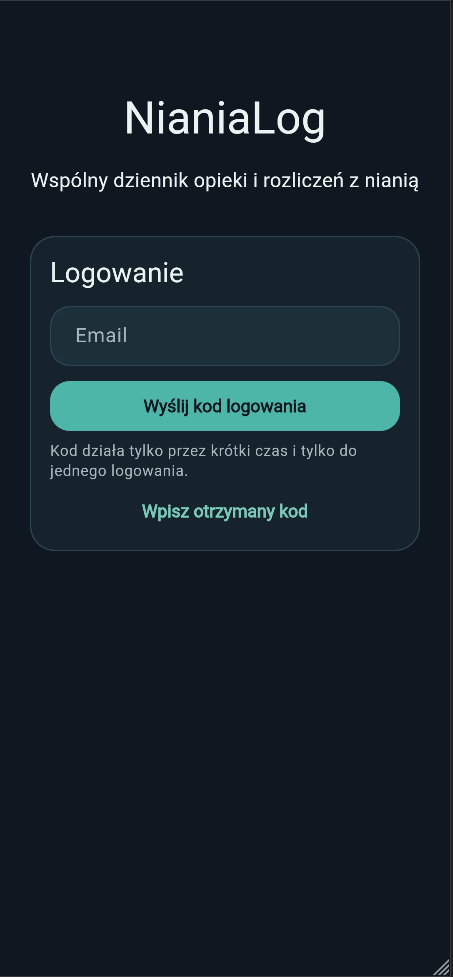
The parent can invite another person to keep the daily log together.
App screenshot placeholder
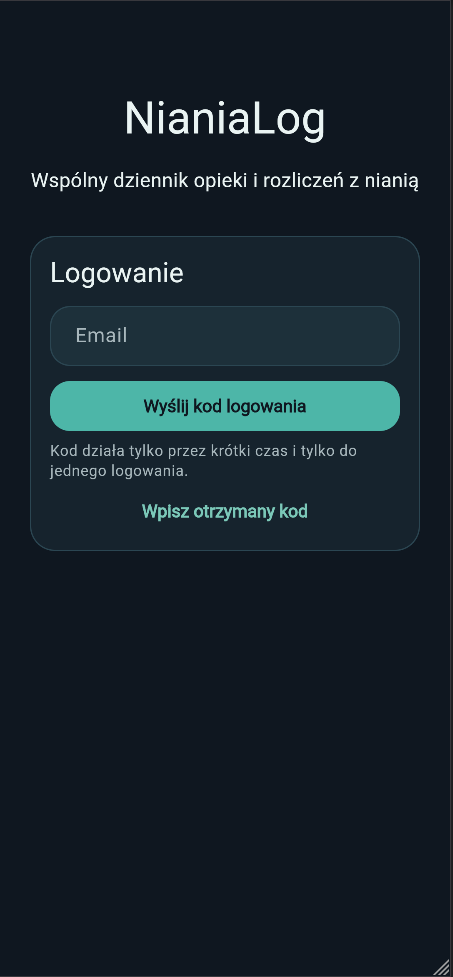
This is the main working area in the app. It shows key actions and the course of the day.
App screenshot placeholder
Working hours are available after the day is marked as a working day.
App screenshot placeholder
Add completed hours and breaks, and the app keeps the summary organized.
App screenshot placeholder
Record milk amounts and important feeding information.
App screenshot placeholder
Start and stop naps to keep a readable view of rest during the day.
App screenshot placeholder
Add meals and short notes that help share important information.
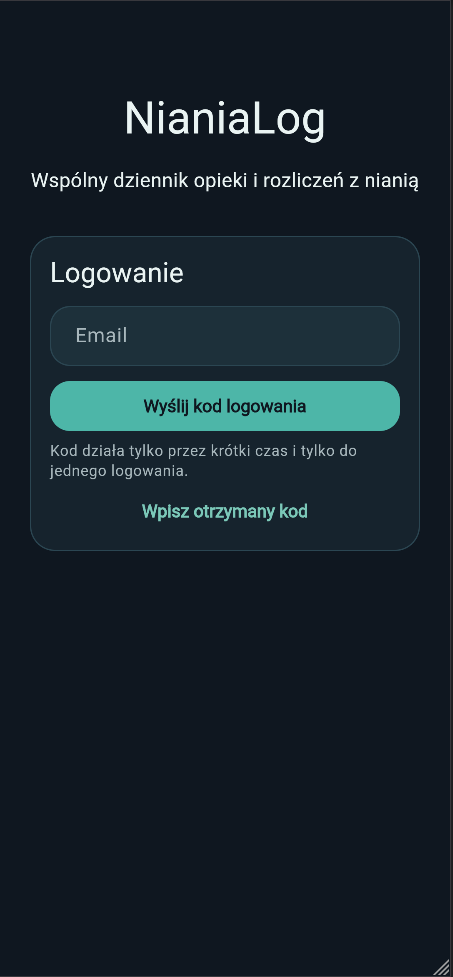
App screenshot placeholder
Check the summary of hours and payment status in an organized view.
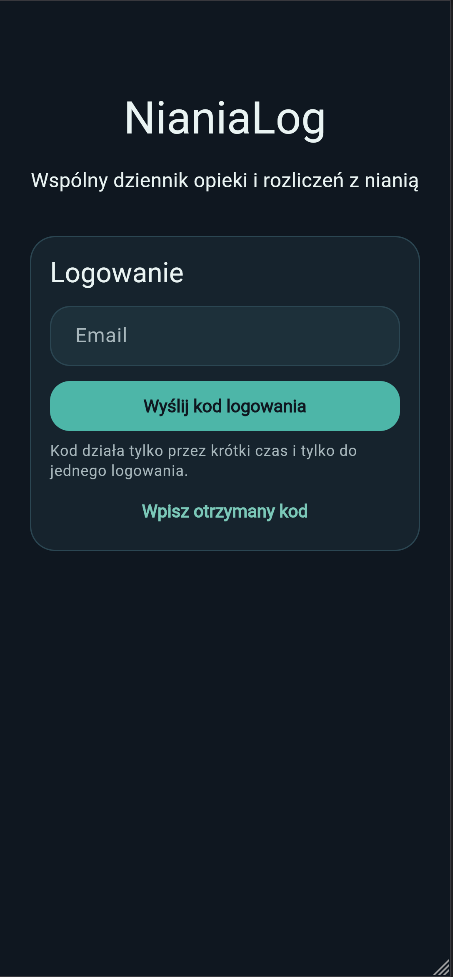
App screenshot placeholder
Define duties and keep them easy to access.
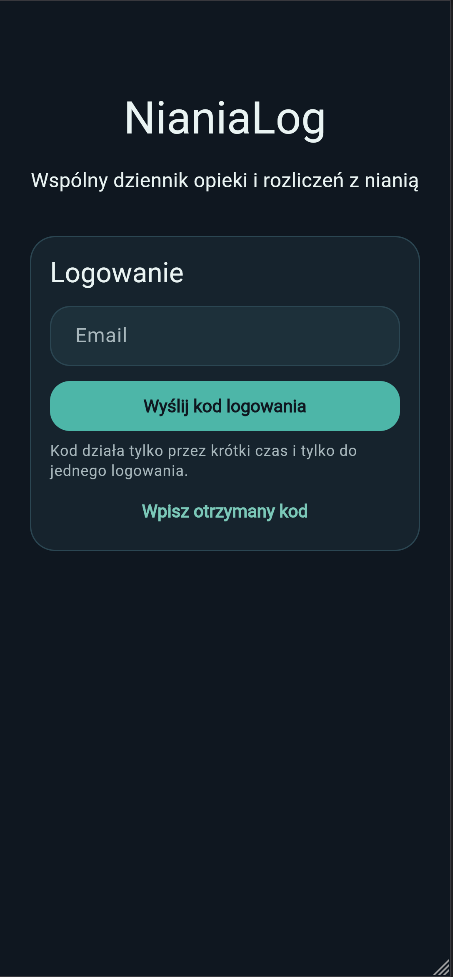
App screenshot placeholder
Adjust basic household options and visibility of selected information.
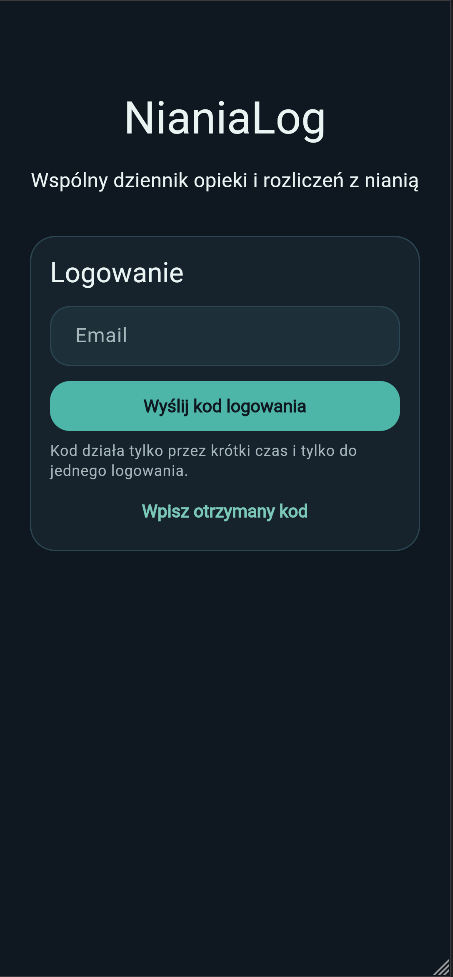
App screenshot placeholder
Contact us if you want to ask about how the app works.